Why You Keep Losing Your Best AI Responses
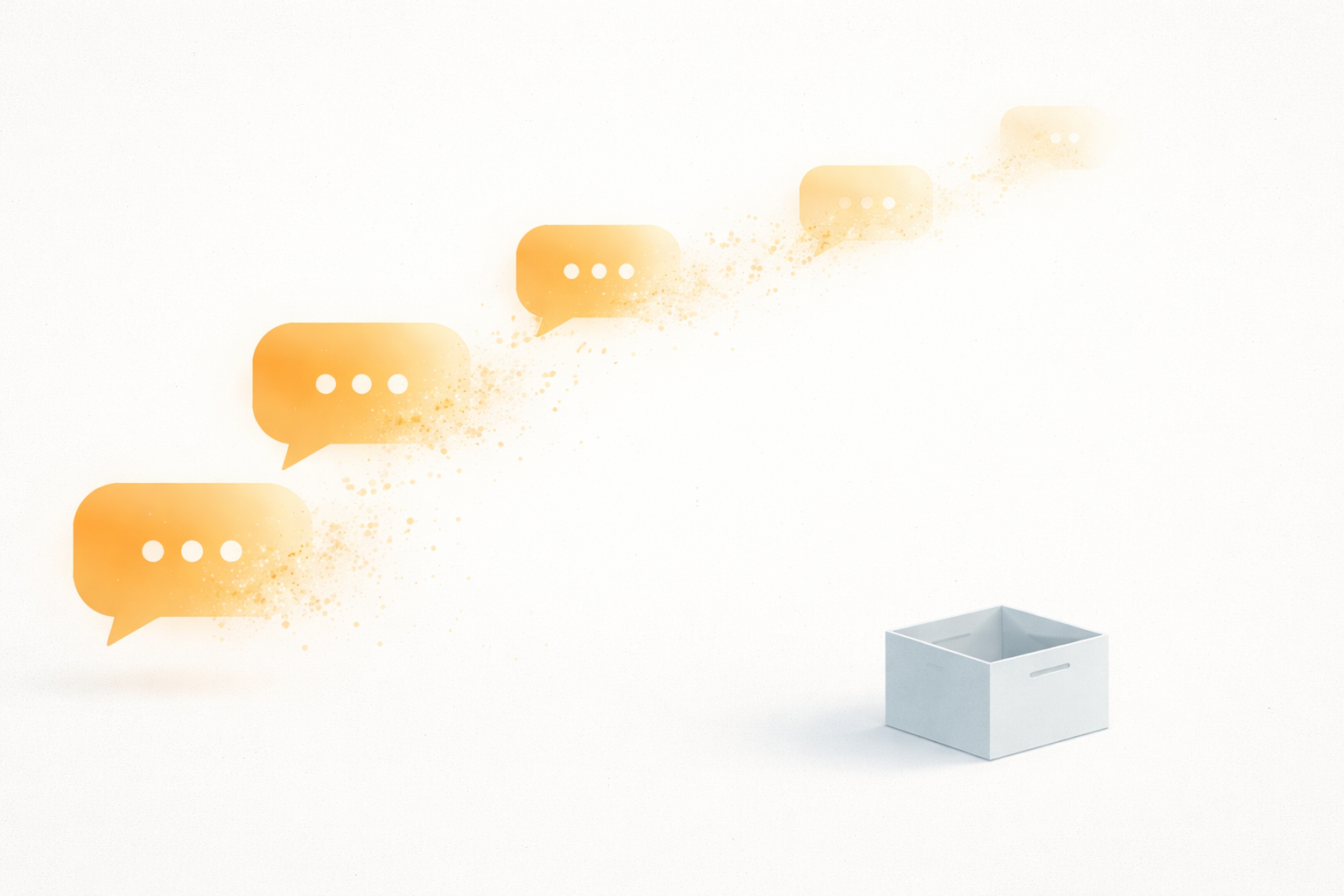
You had a perfect AI response last week. A clean architecture breakdown, a working regex, a debugging strategy that saved your sprint. You went looking for it today. It's gone, buried somewhere in a 200-conversation sidebar you'll never scroll through.
This isn't a you problem. It's a structural problem with how every LLM handles conversation history, and it's costing heavy AI users hours every week.
Every LLM treats conversations as disposable
ChatGPT, Claude, and Gemini were all designed for the same interaction model: ask a question, get a response, move on. The conversation list in the sidebar is an afterthought, a chronological dump with auto-generated titles that mean nothing two days later.
Try finding "that TypeScript generics explanation from last Tuesday" in a list of 200 chats titled "Untitled," "Help with code," and "Quick question." You can't. The search, if your platform even has one, only matches exact text strings, not concepts. You remember the idea, but not the words.
Claude doesn't have search at all in most interfaces. Gemini's history is tied to your Google account and mixes in with other Google activity. ChatGPT added search recently, but it only works within a single conversation, not across your entire history.
The real cost isn't the lost response. It's the re-asking.
When you can't find something, you re-ask. And re-asking is expensive in ways that aren't obvious.
First, there's the time cost. You spend 2-5 minutes reconstructing the prompt that got you a good result. Multiply that by the 5-10 times per week most heavy users re-ask questions they've already answered, and you're losing an hour a week to prompt amnesia.
Second, the response quality drops. The original conversation had context. You'd already explained your tech stack, your constraints, the approaches you'd tried. The re-ask starts cold. The AI gives you a generic answer because it doesn't know any of that context anymore.
Third, you lose your own annotations. Maybe you flagged a response as "this worked but only on Node 20+" or "good approach, but check the edge case with empty arrays." That institutional knowledge, your knowledge layered on top of the AI's output, evaporates when the conversation scrolls out of view.
Screenshots aren't a system
The most common workaround is screenshotting. Developers take screenshots of AI responses, dump them in a folder, and tell themselves they'll organize later. They won't.
A folder of 300 screenshots is worse than having nothing. You can't search text inside images. You can't copy code from a PNG. You can't tag, filter, or resurface them when you actually need them. The screenshot approach trades one unsearchable pile (the chat sidebar) for another unsearchable pile (your desktop).
Copy-pasting into Notion or Google Docs is marginally better, but adds enough friction that you stop doing it after a week. The workflow breaks because the capture moment (right after the AI gives you something useful) is exactly when you want to use that information, not file it.
The multi-LLM problem makes it worse
Most people aren't using just one AI anymore. You might use ChatGPT for code generation, Claude for long-form reasoning, and Gemini when you need web-grounded answers. Each platform has its own isolated conversation history. There's no unified view.
That architecture explanation might be in ChatGPT. Or was it Claude? You're not sure, so you check both, don't find it in either (because the titles are useless), and end up re-asking from scratch in whichever tab is currently open.
The fragmentation compounds the retrieval problem exponentially. It's not just "which conversation" anymore. It's "which platform, which conversation, which message within that conversation."
What a real solution looks like
The fix isn't better search in ChatGPT (though that would help). The fix is treating AI outputs like what they actually are: valuable knowledge artifacts that deserve the same treatment you give code snippets, bookmarks, or notes.
That means a system with three properties:
Capture at the moment of value. When an AI gives you something useful, saving it should take less than 5 seconds. Anything slower and you won't do it consistently. Screenshot capture with OCR, paste-and-parse, and conversation import all serve this.
Structure that survives time. Saved items need titles, tags, summaries, and full-text search. You should be able to find "that Supabase RLS policy explanation" by searching for "row level security," not by remembering which day you asked about it.
Retrieval that's fast enough to actually use. Full-text search across titles, summaries, body, and tags is the difference between a system you use daily and one you abandon after a week.
This is the problem we're building Helium to solve. But regardless of what tool you use, the principle holds: if you're using AI regularly and not capturing the outputs, you're doing the same work twice and getting worse results the second time.
Start with the 10% that matters
You don't need to save every AI response. Most conversations are throwaway: quick questions, formatting help, one-off translations. But roughly 10% of your AI interactions produce something genuinely valuable: a working code pattern, a debugging strategy, an architecture decision, a well-structured prompt.
Start there. The next time an AI gives you something you know you'll want again, save it somewhere (anywhere) with enough context that future-you can find it. A tagged note. A bookmarked conversation. A screenshot with a descriptive filename.
The bar is low because the current default is zero. Anything beats losing 90% of what AI tells you.